


Keychron M6 Silent 8K Wireless Mouse
Keychron M6 Silent 8K Wireless Mouse - Black / PixArt 3950 (8K Polling Rate) / All Silent Micro Switch is backordered and will ship as soon as it is back in stock.
Couldn't load pickup availability
Keychron M6 Silent Wireless Mouse has the best PixArt 3950 sensor. It supports 2.4 GHz, Bluetooth, and USB wired connection. Besides, it provides dual scrolling modes and multiple ways of scrolling.
Please drop your email on "Notify Me When Available" if the product model is out of stock.
Keychron M6
Wireless Optical Mouse


(Silent Micro Switch Version)
Keychron M6 packs all the best features in its super ergonomic, lightweight body. With over ten customizable buttons and wireless 2.4 GHz & Bluetooth connection enabled, it offers the best performance to maximize productivity ideal for any scenario!

(Silent Micro Switch Version)

Dual Scrolling Modes
Equipped with two scrolling modes, the top wheel offers convenient switching between the standard middle and the infinite scroll wheel via the top button, providing you with versatile scrolling options right at your control. This flexibility enhances your productivity and creativity in various scenarios.

Standard tactile wheel
In the standard middle wheel mode, scroll with high precision at each notch for tasks like data analysis, reading posts, zooming in / out your gaming map, and so on.
Infinite Wheel - Frictionless
While switching to the infinite scroll wheel, it feels quiet, smooth, and super-fast, as if friction was non-existent, most applicable when you browse lengthy pages or notification feeds or any tedious information.
Magnetic Metal Scroll Wheel
Experience premium, smooth scrolling with a solid metal wheel that looks and feels exceptional. Meanwhile, our zero-contact magnetic metal scroll wheel delivers more frictionless, noiseless scrolling than a traditional wheel. Hall-effect sensors capture every micron of movement with flawless signal integrity, ensuring precision scrolling and immortal durability when milliseconds define victory.

Multiple Ways of Scrolling

Thumb Wheel
The thumb scroll wheel, conveniently located on the side, also serves as a horizontal scroller, providing an effortless way to breeze through wide spreadsheets in Excel or to scrub through video clips.
Tilt Wheel
In addition to standard up and down scrolling, the middle wheel offers two additional dimensions of navigation—tilt it right or left for precise, click-to-click horizontal scrolling.
One of The Strongest Mouse Sensor
M6 has the strongest, most competitive grade mouse sensor chip, PixArt 3311, PixArt 3395 and PixArt 3950, with up to 30,000 DPI, up to 750 IPS, and incomparable gripping precision. Whether for work or gaming, it offers an unparalleled experience.


Stable & Ultra-low Latency Response
2.4 GHz and Bluetooth
With cutting-edge 2.4 GHz frequency wireless connectivity, the M6 gives you extremely low latency and quick response for gaming and the office. It also offers a stable Bluetooth connection for even more variety in your wireless connectivity.

Peak Performance For Every Scenario
Precise sensors, extremely low latency wireless connectivity, and high polling rate give you the best performance for both office, gaming or even on the go.

Click In Near-Silence
Experience virtually stealth with our M6 (The All Silent Micro Switch version)! Whisper-quiet clicks from all buttons deliver undisturbed focus and razor-sharp responsiveness, ensuring peak performance precisely when silence matters most.
*The Silent Micro Switch version only uses a silent design for the left and right buttons.
8000 Hz Polling Rate Option
Setting the mouse at an 8000 Hz polling rate (8K version only) can result in a high-speed signal transmittance between the mouse and the connected device. More responsive cursor movements captured with faster trigger response guarantee unparalleled performance, securing every second when it truly counts!

Better Performance with 10x Latency Advantage over Industry Norms

Featuring an 8K polling rate, the M6 ergonomic mouse achieves a latency of just 0.93ms in 2.4 GHz mode—over ten times faster than other flagship ergonomic mice. This sets a new standard for responsiveness in comfort-focused gaming and productivity.
*The performance data is sourced from the third-party testing website LTT Labs.

The Ultimate Ergonomic Design
The ergonomic design of M6, featuring a pronounced curve on the top and a thumb rest on the side, conforms more closely to the contour of your palm, ensuring a comfortable grip over extended periods.
Lightweight design
M6 offers just the right amount of lightness, flexibility, and effortlessness to hold in your hand for extended use.

Choose The M6 With Different Polling Rate
M6 8K (8000 Hz)

The M6 8K comes with an included 8K wireless receiver.

Press the Report Rate button to switch among 6 levels of polling rate from 125 Hz to 8000 Hz in the 2.4 GHz mode.
M6 4K (4000 Hz)
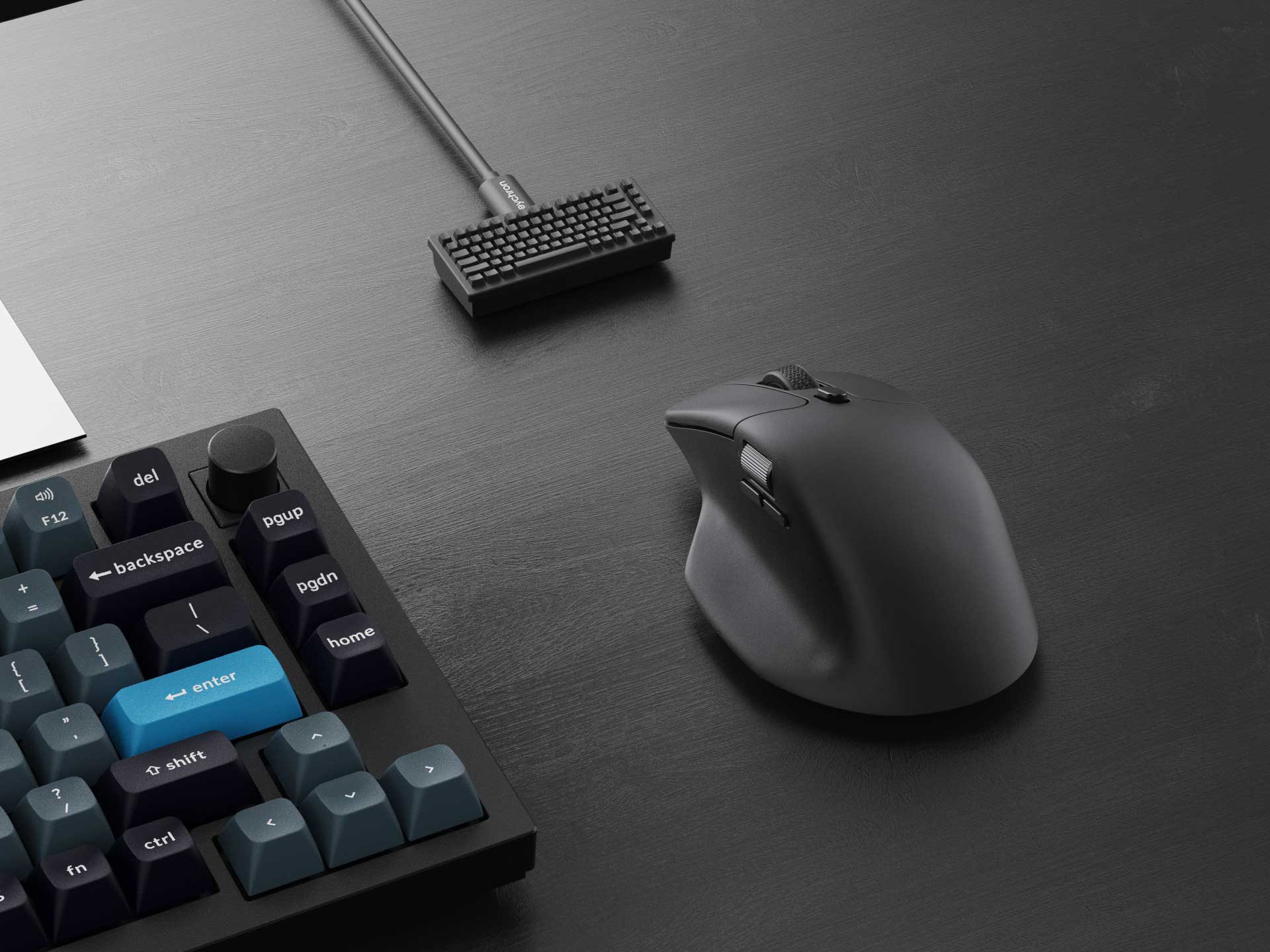
The M6 4K comes with an included 4K wireless receiver.

Press the Report Rate button to switch among 5 levels of polling rate from 125 Hz to 4000 Hz in the 2.4 GHz mode.
M6 (1000 Hz)

The M6 (1K version) is equipped with the smallest Type-C 2.4 GHz receiver and a Type-A 2.4 GHz receiver for the mouse. You can pick either of them, plug it in, and play instantly.

Press the Report Rate button to switch among 3 levels of polling rate from 125 Hz to 1000 Hz in the 2.4 GHz / Wired mode.

Connect the 2.4 GHz receiver with Type-A port laptops

Connect the 2.4 GHz receiver with Type-C port laptops

Connect the 2.4 GHz receiver with desktops via the extension adapter
More Customization on The Keychron Launcher
Just click, save, and turn it off, the online Launcher web app allows for easy personalization. You can modify keys, set shortcuts, create dedicated macros, or do professional settings for LOD, polling rate, DPI, etc. Besides, it provides 5 on-board memory profiles for your access to different apps or computers.

* Please use the latest version of Chrome / Opera / Edge browser to open the Launcher and connect the mouse to your device via wired mode or 2.4G mode.
Anytime, Anywhere Access
Keychron Launcher is a web page configurator that you can use in the office, school, lab, or government department—anywhere with internet access. Configure your keyboard online anytime without the need to download or install files. No hassle, no trouble.

Compatible with All Platforms
As a web-based tool, Keychron Launcher supports all operating systems. Personalize and program your keyboard on Windows, macOS, Linux, and more. Enjoy unprecedented flexibility with compatibility across Chrome, Edge, and Opera browser.

Always Up to Date
Keychron Launcher is continuously updated, ensuring you always have access to the latest version. There's no need to download updates or wait for installations.

Up To 180 Hours
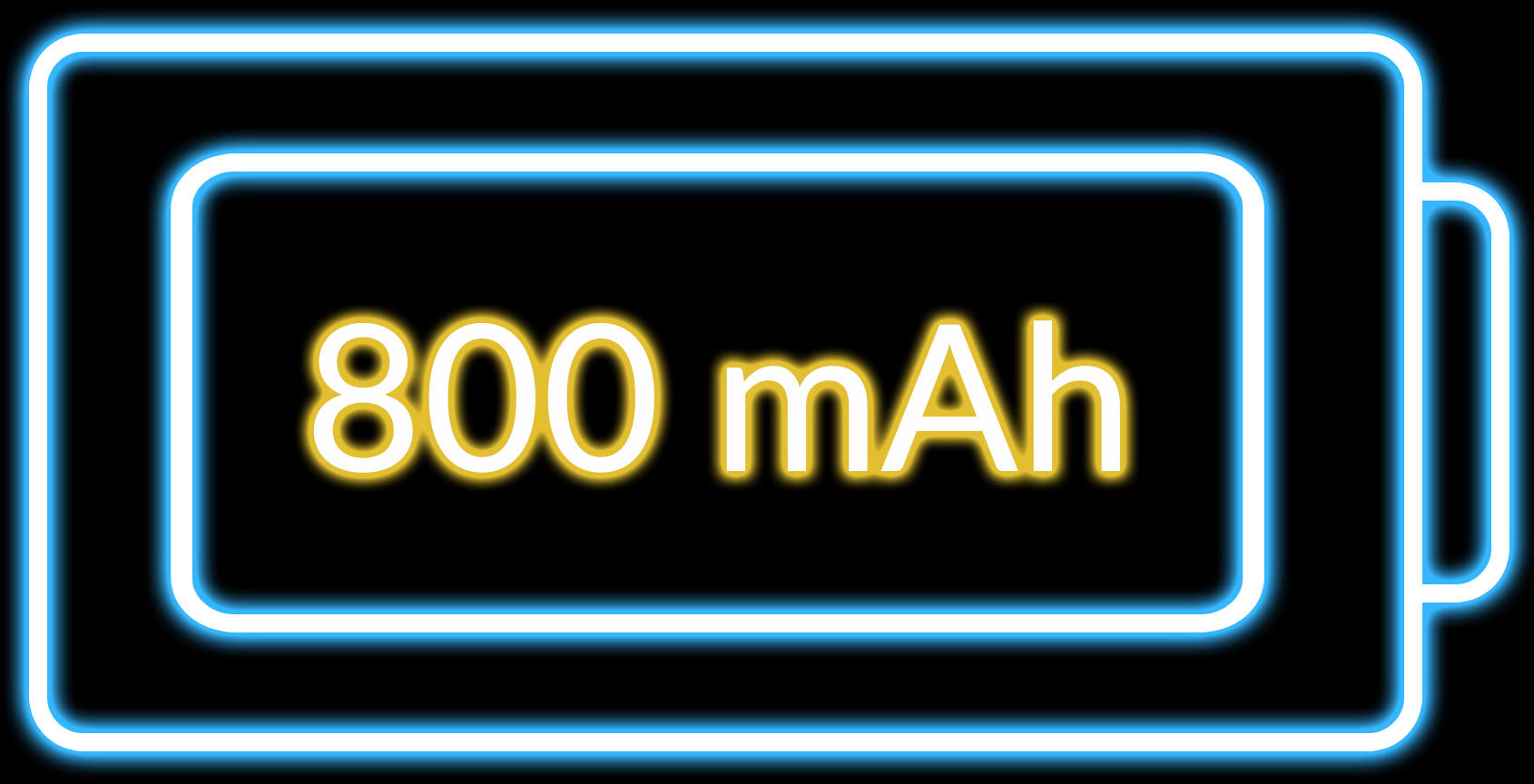
Housed with a large battery of 800 mAh, the M6 provides
long continuous working times across its versions:
Up to 165 hours in 125 Polling Rate mode (1K PixArt 3311 version)
Up to 120 hours in 1K Polling Rate mode (8K / 4K version)
Up to 180 hours in 125 Polling Rate mode (1K PixArt 3395 silent micro switch version)
Adjust Without Software
Quick swap 3 Bluetooth devices through the bottom button for a seamless workflow experience. You can also adjust DPI and polling rates without software installation demand.

What's In The Box


Specs
| Version | 8K | 4K | 1K | 1K | 1K |
|---|---|---|---|---|---|
| Sensor | PixArt 3950 | PixArt 3395 | PixArt 3395 | PixArt 3395 | PixArt 3311 |
| DPI (CPI) Range | 100 - 30000 | 100 - 26000 | 100 - 26000 | 100 - 26000 | 50 - 12000 |
| IPS | Up to 750 | Up to 650 | Up to 650 | Up to 650 | Up to 300 |
| Polling Rate (highest level) | 8000 Hz (2.4 GHz / Wired mode) | 4000 Hz (2.4 GHz / Wired mode) | 1000 Hz (2.4 GHz / Wired mode) | 1000 Hz (2.4 GHz / Wired mode) | 1000 Hz (2.4 GHz / Wired mode) |
| Lift Off Distance | 0.7 mm / 1.0 mm / 2.0 mm | 1.0 mm / 2.0 mm | 1.0 mm / 2.0 mm | 1.0 mm / 2.0 mm | No |
| Tracks On Glass (min. 4 mm thickness) | Yes | No | No | No | No |
| Bluetooth Version | 5.3 | 5.1 | 5.1 | 5.3 | 5.3 |
| Usage Duration | Up to 120 hours | Up to 120 hours | Up to 80 hours | Up to 180 hours | Up to 165 hours |
| Mouse Micro Switches | Huano Silent Micro Switch (20 million clicks lifetime) | Huano Micro Switch (80 million clicks lifetime) | Huano Micro Switch (80 million clicks lifetime) | Huano Silent Micro Switch (20 million clicks lifetime) | Huano Silent Micro Switch (20 million clicks lifetime) |
| Infinite Wheel Material | Metal | Plastic | Plastic | Metal | Metal |
| Weight | 86g / 0.19lbs | 78g / 0.172lbs | 78g / 0.172lbs | 86g / 0.19lbs | 86g / 0.19lbs |
Learn more about Keychron M6, such as customizing buttons, firmware flashing, and others.
Click here to compare with more Keychron mice.


